
From words to work.
Record a job brief, review the proposal and build the quote. Bring the scope, crew and materials together before work starts.
The connection: The approved job gives the other apps a shared starting point.

 Connected.
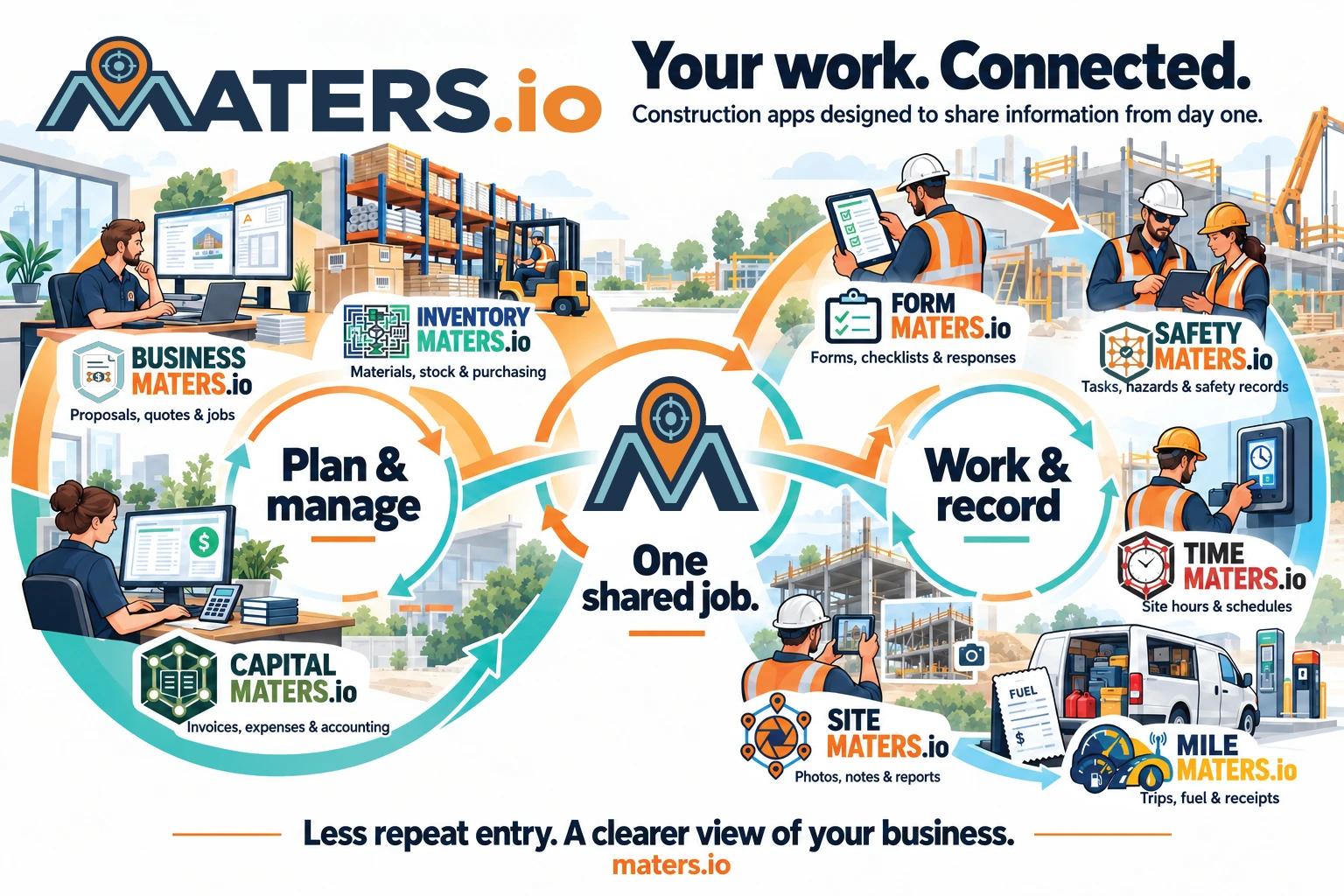
Maters.io is a family of connected apps for small and medium construction companies, built to share information from day one.
The field. The office. The same job.
Less repeat entry. More informed decisions.
Each app tackles a specific problem. Together, they keep the job in context.
Record a job brief, review the proposal and build the quote. Bring the scope, crew and materials together before work starts.
The connection: The approved job gives the other apps a shared starting point.

Keep materials visible across the shop, vehicles and sites. Use stock and pricing information to prepare the next job.
The connection: Material quantities and costs inform quotes, purchasing and the books.

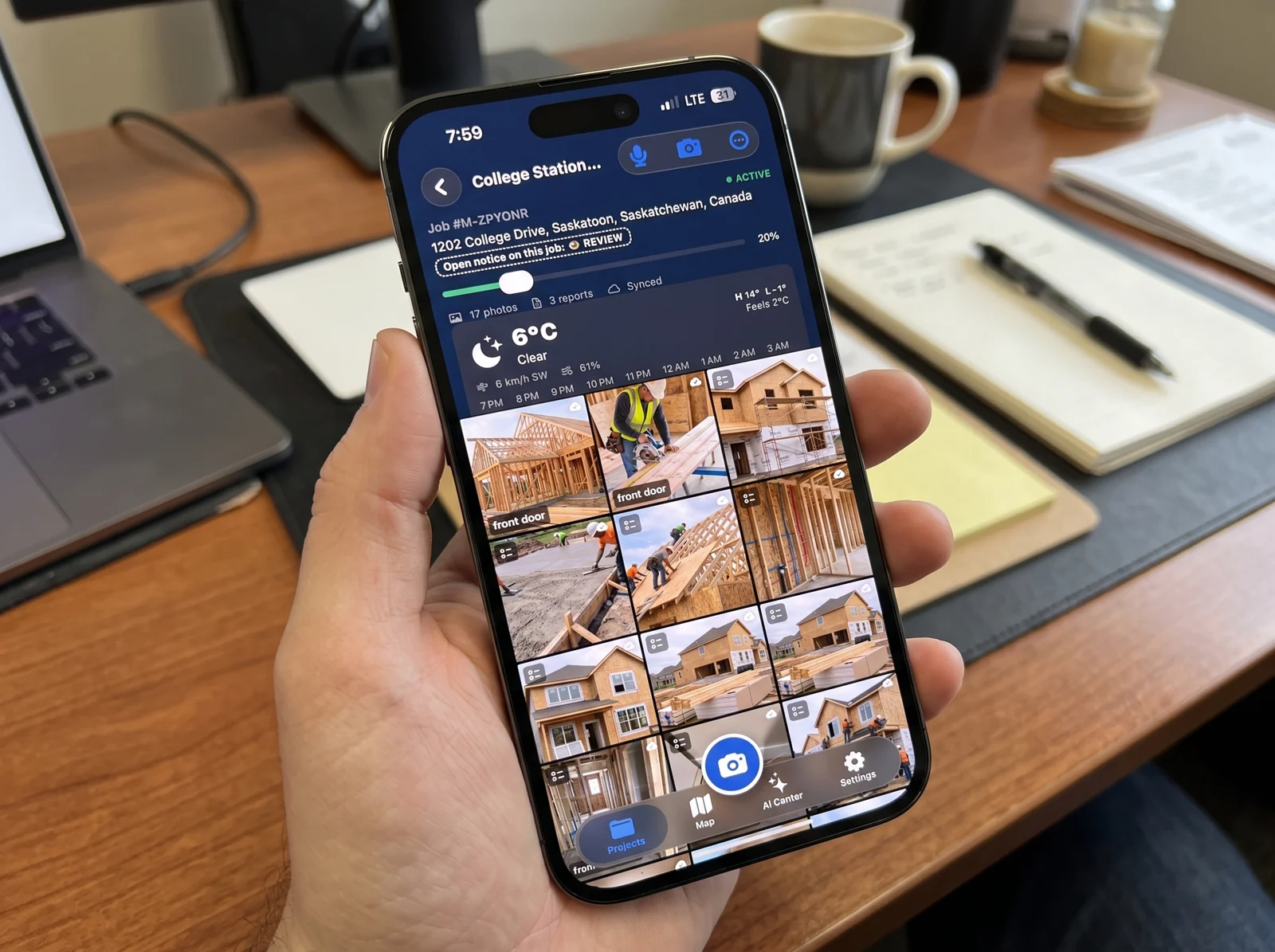
Photos, voice notes, weather and location give the office a useful record of what happened in the field.
The connection: Site evidence sits alongside the job’s tasks, hazards and closeout records.

Bring manuals, toolbox talks and chemical information closer to the crew. Keep tasks and hazards connected to the site.
The connection: Shared hazards and task updates keep the field and safety teams informed.

Record time against the site, review exceptions and prepare hours for labour costing and your payroll process.
The connection: Reviewed site hours help Business Maters understand the labour behind the job.

Capture trips, fuel and receipts. Use Fleet Manager to bring connected vehicles and drivers into one workspace.
The connection: Travel records and receipts give the office the detail behind vehicle costs.
 Form Maters
Start with an AI draft, a template or a blank form. Collect enquiries, inspections and job details where people work.
The connection: Share a form or add it to a Maters workflow so the answers stay close to the work.

Review invoices, purchases, expenses and financial reports, with the records behind the work close at hand.
The connection: Business activity has a financial home, ready for your bookkeeper to review.
The connection is the point. Follow the information from a conversation on site to the review at the office.

Turn the conversation into a proposal. Review the work and materials, check available stock, then prepare the quote.
An explanation of the connected workflow. Available connections depend on your apps and setup.
Choose the part of your workday you want to improve. Visit the product website for features, access and availability.